
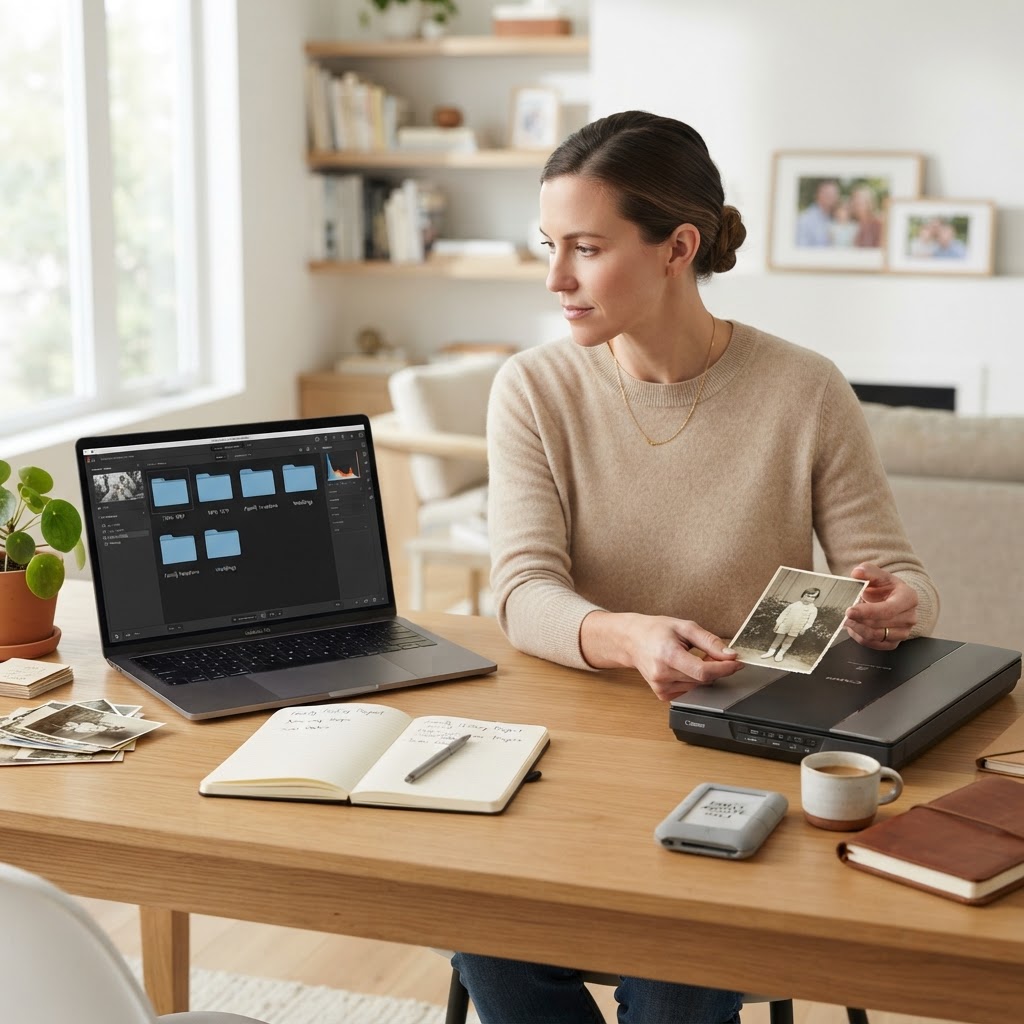
How to Organize a Digital Photo Archive for Family Legacy
If you are drowning in thousands of blurry screenshots, duplicate bursts of your toddler eating lunch, and unorganized folders on old hard drives, you aren't alone. Most of us treat our digital photos like a junk drawer, dumping everything in and hoping for the best. But if you want to turn that chaos into a cherished family legacy, you need to stop thinking about storage and start thinking about curation. Organizing your digital photos isn't just about saving space; it's about preserving your family's story so future generations can actually enjoy it.
The Philosophy of Curation Over Collection
We live in an age of excess. Taking a photo costs nothing, so we take hundreds. But here is the secret: less is more. When you have ten photos of the same sunset, none of them feel special. When you choose the single best photo that captures the emotion of that trip, it becomes a treasure.
Think about the old shoeboxes of physical photos your parents or grandparents kept. They didn't save every single film negative. They saved the shots that mattered. To build a lasting archive, you must become an editor, not a hoarder.
- Be ruthless with duplicates
- Delete accidental photos of the floor or inside your pocket
- Focus on photos that tell a story
Setting Up Your Digital Filing System
Before you start moving files, you need a consistent naming convention. If your files are named 'IMG_4829.jpg' and 'DSC_001.jpg', they are invisible to search tools. A standard, searchable format is your best friend. I recommend the YYYY-MM-DD format followed by a short description.
For example, use '2023-12-25_Christmas-Morning-at-Grandmas'. This ensures that when you sort by file name, your photos naturally fall into chronological order. This is the foundation of a searchable archive.
The Hierarchy Strategy
Don't create a folder for every single day. That leads to 'folder fatigue' where you stop organizing because it's too much work. Instead, use a three-tier structure:
- Year (e.g., 2023)
- Month/Event (e.g., 07_Summer-Vacation)
- Sub-events or media type (e.g., Photos, Videos, Scanned-Heirlooms)
This makes it incredibly easy to navigate your archive years from now. You don't want to dig through twelve folders to find a single memory.
Mastering Metadata and Tagging
Metadata is the hidden information attached to your image file. It includes the date, the location, and sometimes even the camera settings. Adding descriptive tags to your photos is what turns a file into a searchable history. Most modern photo management software, like Adobe Lightroom or even the native Mac Photos app, allows you to add keywords.
Think of keywords as the 'who, what, and where.' Add names of people in the photos and the location where they were taken. When you want to find every photo of 'Aunt Sarah' from '1995', a quick search will bring them all up instantly.
"A photo without a story is just an image. A photo with context is a legacy. Do not underestimate the power of metadata to bridge the gap between generations."
Safeguarding Your Legacy: The 3-2-1 Rule
Digital files are fragile. Hard drives fail, clouds get hacked, and accidental deletions happen. To ensure your digital archive survives, you must follow the 3-2-1 backup strategy:
- Keep 3 copies of your data
- Store them on 2 different types of media (e.g., internal hard drive and external SSD)
- Keep 1 copy off-site (e.g., a cloud service like Backblaze or Google Photos)
Adding the 'Human' Element
Now that the technical side is sorted, it is time to breathe life into the collection. A digital archive shouldn't be a cold database. It should be a living history. Every few months, sit down and identify the 'hero shots' of your family. Write a short paragraph about who is in the photo, why it was taken, or a funny memory associated with the day.
Sharing is the Ultimate Preservation
Don't let your hard work sit hidden in a digital vault. Share your curated collections. Whether it’s an annual digital photo book or a shared digital gallery with your relatives, making your photos accessible is the final step of creating a legacy. When your family looks back at these collections, they won't just see pixels; they will see a curated, thoughtful narrative of their own history.
By taking these steps today, you aren't just organizing files—you are gifting your future family a window into their past that they will treasure for decades to come.